Speaker kit
Everything event organizers and user group leaders need in one place: my headshot, bios, and full session descriptions. Copy whatever you need. If you’d like me to speak at your event or webinar, send me a message.
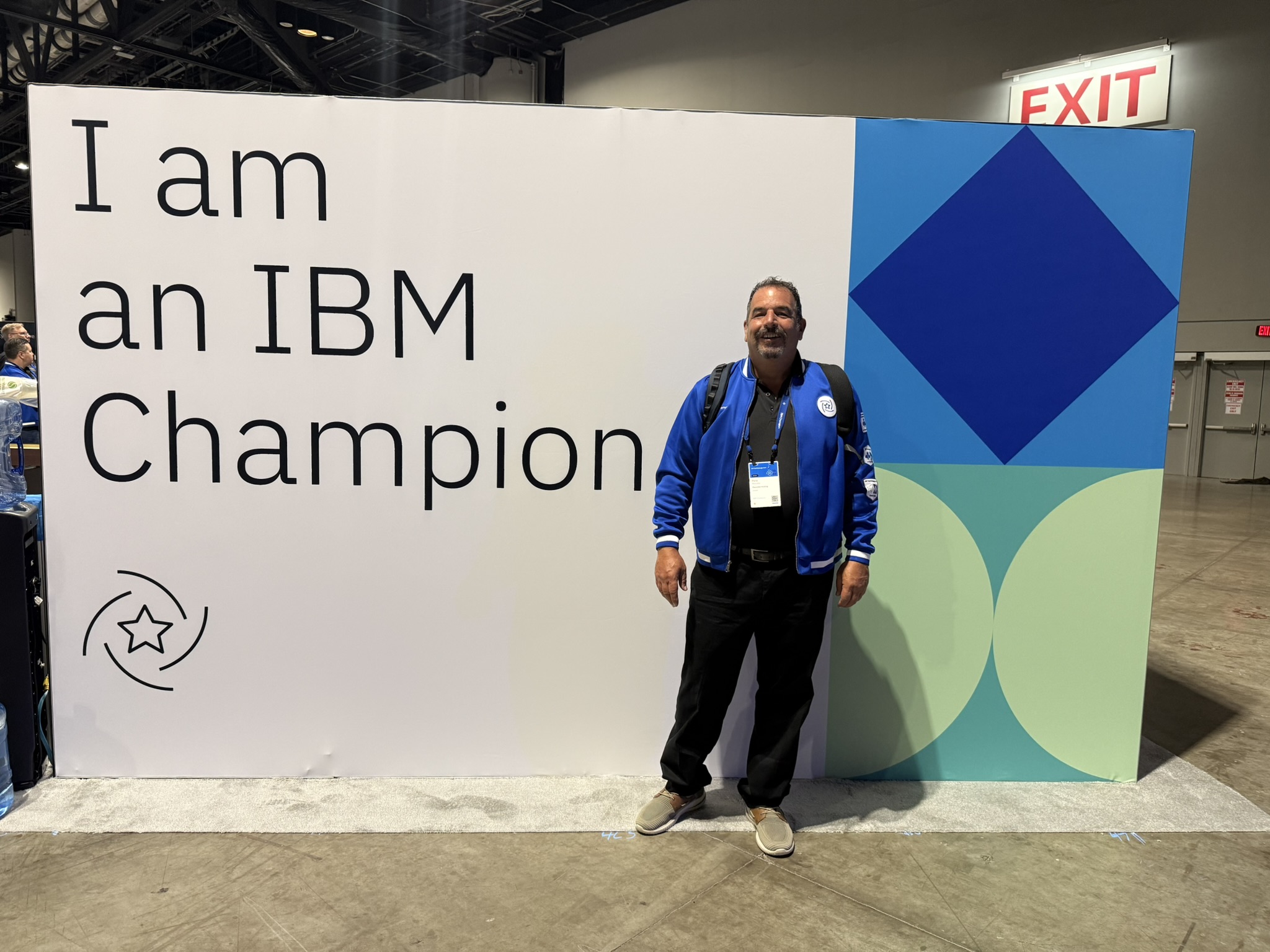
Headshot

Open the full-size headshot to save it.
Short bio
Pete Massiello has worked on IBM i since 1989. He founded and ran iTech Solutions Group, an IBM Business Partner, for twenty years before selling the company. Named an IBM Power Champion in 2012 and IBM’s first Power Systems Lifetime Champion in 2017, Pete is a two-term former COMMON President and a COMMON Hall of Fame speaker.
Long bio
Pete Massiello has worked on IBM i since 1989, back when it was still called the AS/400. He founded iTech Solutions Group, an IBM Business Partner in Danbury, Connecticut, and ran it for twenty years before selling the company. Over that time he performed well over a thousand IBM i upgrades and worked inside more machine rooms than he can count.
Pete was named an IBM Power Champion in 2012 and became IBM’s first Power Systems Lifetime Champion in 2017. He is a two-term former President of COMMON, a COMMON Hall of Fame speaker, a member of the COMMON Americas Advisory Council, and a former member of IBM’s certification test-writing team. In 2026 he took part in IBM’s Power11 S1112 beta program.
Pete speaks at COMMON, user groups, and webinars around the world on IBM i upgrades, system administration, security, HMC and firmware, backup and recovery, and using SQL services to manage IBM i. He shares practical IBM i tips every week on LinkedIn.
Sessions
Click a session to see its full description, learning objectives, audience, level, and format.
How to Successfully Upgrade to IBM i 7.6
Over a career in IBM i, I have performed well over a thousand upgrades, and this session distills all of that experience, knowledge, and hard-won know-how into one practical roadmap for upgrading to IBM i 7.6.
The central lesson I have learned is this: the planning stage takes more effort than the upgrade itself. Get the planning right, and the upgrade becomes almost routine. That is why we spend our time on the details that matter — the things you need to check, verify, and prepare before you ever begin.
We will cover the planning tips, prerequisites, and preparation in depth, then walk through the upgrade itself, and finish with the post-installation requirements that too many people overlook. Because your upgrade is not truly complete until that final step is done.
Whether you are moving to 7.6 for the first time or refining a process you already know, you will leave with a clear, proven approach for a successful IBM i upgrade.
What attendees will learn
- Identify the key items to check on a system when preparing it for an IBM i 7.6 upgrade, so issues are caught during planning rather than during the upgrade.
- Determine the required PTFs and prerequisites that must be in place before beginning, to avoid the common problems that derail an upgrade.
- Describe the correct sequence of planning, preparation, and upgrade steps that leads to a smooth, predictable result.
- Perform the post-installation steps that complete the upgrade — because the upgrade is not finished until that final step is done.
Cool Things in Navigator to Be a Rock Star System Administrator
IBM Navigator for i and IBM i Access Client Solutions (ACS) are packed with capabilities that most system administrators never take the time to explore. In this session, we will open them up and put them to work, so you can manage your system like a rock star.
We start with Function Usage, which lets you control exactly who can use specific capabilities such as FTP, closing doors that should never have been open. Next, we use the Index Advisor to find the indexes your system is telling you it needs, and walk through how to create them to improve performance.
From there, we turn to the Performance Data Investigator charts to uncover problems hiding in your system, and we look for file shares that may be quietly exposing your system to security risks. Along the way, I will share the everyday Navigator functions I rely on to keep an eye on a system.
You will leave with a set of practical tools you can use the moment you are back in the office.
What attendees will learn
- Use Function Usage to restrict access to TCP/IP services such as FTP, so only authorized users can reach them.
- Use the Index Advisor to identify missing indexes and create them to improve system performance.
- Find file shares that may be exposing the system to security risk, and determine which ones should be removed or restricted.
- Read the Performance Data Investigator graphs to spot and diagnose performance problems.
- Apply practical Navigator tips and tricks for day-to-day monitoring and management of an IBM i system.
HMC, IBM i, FSP, eBMC, and Firmware: Putting All the Pieces Together
Partitioning and managing IBM Power Systems brings together a set of components that every IBM i shop depends on, yet few people get the chance to see how all of them fit together. In this session, I will put all the pieces on the table and show you how they connect.
We will cover the Hardware Management Console (HMC), the service processor — the Flexible Service Processor (FSP) or the eBMC, depending on your Power generation and model — and the Advanced System Management Interface (ASMI). You will learn how these components are interconnected, how to set them up, and how to manage and upgrade them.
We will also look at the firmware in your machine and how to perform the necessary updates in both LPAR environments and standalone systems. I will share tips for upgrading the HMC and the service processor, establishing communication between the HMC and the FSP or eBMC, and getting the most out of ASMI.
By the end of the session, you will have current, practical knowledge of these crucial hardware components of IBM Power Systems and IBM i.
What attendees will learn
- Describe how the HMC, FSP or eBMC, ASMI, firmware, and IBM i partitions connect and interact.
- Plan and perform upgrades and updates of the HMC.
- Plan and perform firmware updates for the FSP or eBMC, in both LPAR and standalone environments.
- Establish and troubleshoot communication between the HMC and the service processor, and use ASMI for the tasks it is designed for.
Step-by-Step Guide to Creating Virtual IBM i Partitions Hosted by IBM i
IBM i can host other IBM i logical partitions (LPARs), providing them with virtual disk and other resources — without requiring VIOS. For many shops, it is the fastest and simplest way to add a partition.
In this session, we will start by comparing VIOS with IBM i hosting IBM i, so you know when each approach makes the most sense. Then I will take you through the complete, step-by-step process of creating a hosted virtual partition: the requirements, the prerequisites, and every step needed to build one yourself once you are back in the office.
We will look at how all the components of a virtual LPAR relate to one another and how to create the virtual storage your new partition will use.
This is a great way to build a partition for testing your IBM i 7.6 upgrade, or for any other partition need in your environment.
What attendees will learn
- Explain the differences between VIOS and IBM i hosting IBM i, and choose the right approach for their environment.
- Describe the relationship between the components of a virtual LPAR.
- Create virtual storage for a hosted IBM i partition.
- Apply the step-by-step process to build their own hosted IBM i partition back at their shop.
Understanding the Various Parts of the Save Process
Your recovery is only as good as your backup. In this focused 20-minute session, we will make sure you are backing up the right things.
We will look at the different ways to save your IBM i system — traditional native save commands, BRMS, and FlashCopy — and what each one requires. We will also cover what makes up a full system save, the role of restricted state and your console, and the pros and cons of tape libraries.
Along the way, I will share best practices to make sure that when the day comes, you have everything you need to recover.
What attendees will learn
- Identify the various IBM i save commands and when to use each one.
- Explain restricted state and why console access matters during a save.
- Describe what makes up a full system save.
- Weigh the pros and cons of tape libraries.
- Describe FlashCopy and its requirements.
What You Need to Know When Moving to the Cloud
Moving your workload to the cloud involves much more than transferring it from one machine to another. Before you make the move, you need to understand whether the cloud is actually the right solution for you.
In this session, we will look at when the cloud works for you and when it does not. I will cover the costs associated with a cloud migration, how to decide which parts of your workload should move, and what you should expect from a cloud provider.
We will then walk through the importance of careful planning, migration, and testing, and talk about the things people often do not think about on their journey to the cloud.
You will leave with a clear framework for deciding whether — and how — to take your IBM i to the cloud.
What attendees will learn
- Evaluate whether the cloud is the right solution for their IBM i workload.
- Identify the costs associated with a cloud migration.
- Determine which parts of their workload should move to the cloud.
- Set clear expectations for what a cloud provider should deliver.
- Anticipate common migration issues and the often-overlooked considerations, including planning and testing.
Basics of System Administration for Programmers
Are you a programmer who is now responsible for administering your IBM i system? Do you know what you need to manage it successfully, and which commands you really need to know?
This session is built for you. I will cover the basics of system administration that a programmer needs to manage an IBM i: checking your system messages to confirm everything is running as it should, making sure you are saving the right things, the fundamentals of security, and what PTFs are and how to manage them.
You will leave knowing what you need for the daily care and feeding of your system.
What attendees will learn
- Check system messages to confirm the system is running as it should.
- Verify that their saves are capturing everything they need to recover.
- Apply the basics of IBM i security.
- Explain what PTFs are and how to manage them.
Can Your IBM i Recover from a Disaster?
Do you have what you need to recover from a disaster? When a disaster happens, it is too late to find out whether you have good backups.
In this session, we will identify the various types of disasters, look at how and where we store our backups, and determine what is needed for a successful recovery. We will start with the save, then discuss the people you need, and where and how your recovery will take place.
There is far more to a recovery than just your tapes. You will leave knowing what belongs in your recovery plan and how ready your IBM i really is.
What attendees will learn
- Identify the various types of disasters and what each requires to recover.
- Determine who is needed to recover their system and where the recovery will take place.
- Verify what they are actually saving, and whether it is enough to recover.
- List the items that should be included in a recovery plan.
Pete’s Perspective on Work-Life Integration & Retirement
How you look at life will determine what you get back from life. In this session, we will step away from the technology and examine how you manage your life.
We will talk about how you deal with change, how to bring work and life into harmony, why vacations matter, and what success really means. Then we will turn to retirement: will you be able to retire, and how much do you need to save to get there?
I have delivered this as an opening session at WMCPA, and it was very well received. You will leave with a fresh perspective on how you integrate work and life — today and in the years ahead.
What attendees will learn
- Apply practical approaches to work-life integration and harmony.
- Recognize the benefits of taking vacations and making time away a priority.
- Begin planning for retirement, including how much they may need to save.
Using IBM i Services and SQL to Manage Your IBM i
Every week on LinkedIn, I share an SQL tip that answers a real system administration question in a single query. This session brings the best of those tips together into one practical hour.
IBM i Services — the views, table functions, and procedures in QSYS2 and SYSTOOLS — turn the operating system into something you can query. Instead of paging through green-screen displays one screen at a time, you can ask your system direct questions and get back answers you can sort, filter, save, and act on.
We will work through the services I rely on most, grouped by the jobs administrators actually do: checking PTF currency against IBM with GROUP_PTF_CURRENCY; auditing system values; watching active jobs, system status, memory pools, and disk; finding storage hogs and objects approaching system limits; cleaning up old spooled files; reviewing user profiles, group profiles, exit programs, and open network connections; and confirming what is journaled — and reading the journal itself — with DISPLAY_JOURNAL. We will also query the history log and the operator message queue as data, instead of scrolling through them.
Finally, I will give you the key to the whole kingdom: QSYS2.SERVICES_INFO, the catalog of every IBM i Service, complete with working example SQL for each one. With it, you will never have to wait for someone to show you a query again.
You will leave with a set of ready-to-run queries and the know-how to find and use the rest yourself.
What attendees will learn
- Explain what IBM i Services are and how to run them from ACS Run SQL Scripts or any SQL interface.
- Use SQL to check PTF group currency, system values, and overall system health in seconds.
- Query jobs, storage, spooled files, and system limits to find and fix problems before they cause outages.
- Use SQL services to review security exposures, including user and group profiles, exit programs, and network connections.
- Verify journaling coverage and read journal entries with SQL to answer what happened to their data.
- Discover new services on their own with QSYS2.SERVICES_INFO and its built-in examples.
Book Pete
For conferences, user groups, and webinars, in person or virtual. Tell me about your event, the date, and the audience, and I’ll get back to you.
Event photos
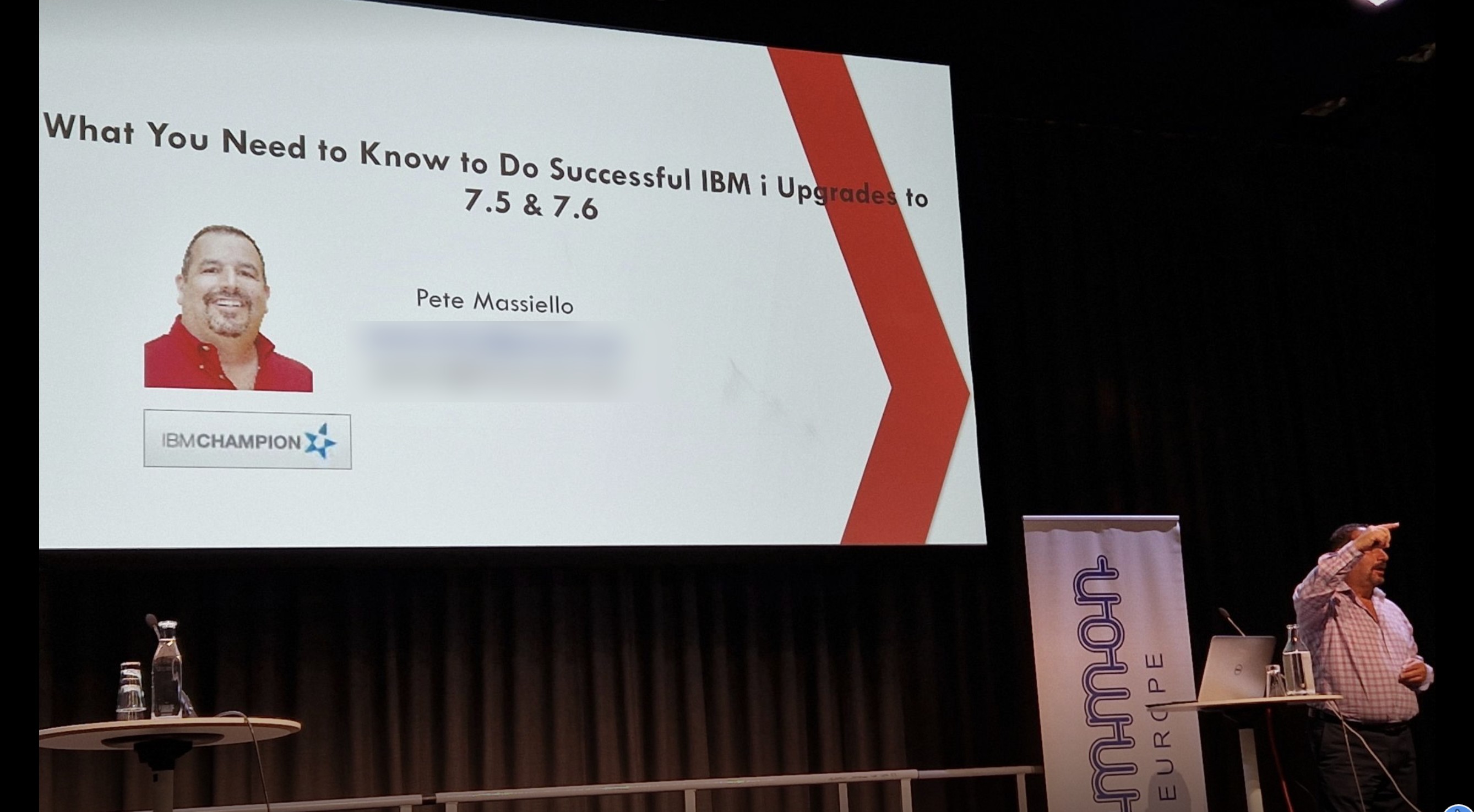
High-resolution photos for programs, slides, and promotion. Click a photo to open the full-size version.